
Full colour
The preferred colourway for light backgrounds

Use the full-name logo when the University name needs to be spelled out, when the audience may be less familiar with UFV, or for formal applications.

Full-name logo
The UFV acronym logos should be used wherever familiarity with the University of the Fraser Valley can be assumed or where the logo will be printed in a small format or viewed on phone screens.
Use either the vertical or horizontal variant based on what fits best within the space you are working with.
Use the acronym logos in full-colour whenever possible.

Vertical acronym logo

Horizontal acronym logo
The preferred colourway for light backgrounds

The preferred colourway for dark backgrounds

For black and white printing

For use where the full-colour with white text colourway doesn’t meet accessibility standards, as well as for one-color applications.
Profile images appear at very small sizes. Department names and custom logo combinations quickly become impossible to read, weakening both accessibility and recognition.
For UFV social media accounts, use the vertical UFV acronym logo on a deep green, white, leaf green, or mushroom background. Do not add your department name or other text to the image. Identify your department through the account name and profile description instead.
Download approved profile images from the UFV Brand toolkit (sign-in required).
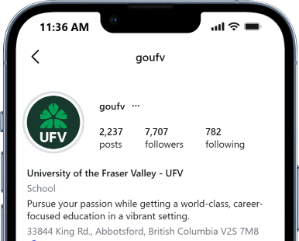
Social media profile image
Here are some examples of effective logo and background pairings.
Colour with white text logo or acronym on deep green background
White logo or acronym on leaf green background
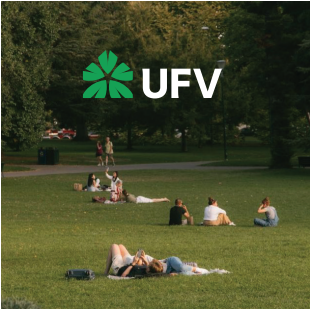
Colour with white text logo or acronym on dark image background

Full-colour logo or acronym on very light image background (equivalent to a maximum 5% grey)
Full-colour logo or acronym on mushroom or white backgrounds

White logo or acronym on dark image background

Colour with white text logo or acronym on dark image background
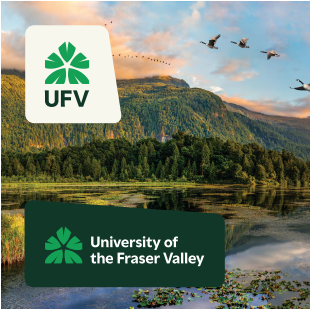
Contrasting holding shapes ensure legibility on busy backgrounds and in dark mode
When using the logo in digital applications, be mindful of dark mode. Deep green elements in the full-colour logo and acronyms will disappear against dark backgrounds.
For applications where dark mode may be applied automatically, such as email signatures and email templates, place the logo on a contrasting white or mushroom holding shape to ensure it remains clear and legible in both light and dark modes.
Here are a few examples of things that should be avoided when using our logo. These rules apply to all variants, not just the ones shown here.
If you’re not sure, just ask Marketing and Brand Experience.

Don’t use the full-colour logo or acronym on valley green background. Use the white logo instead.
Don’t use the full-colour logo or acronym on any of the colour pops. Place the logo somewhere else.

Don’t use the black logo or acronym when colour printing is available.
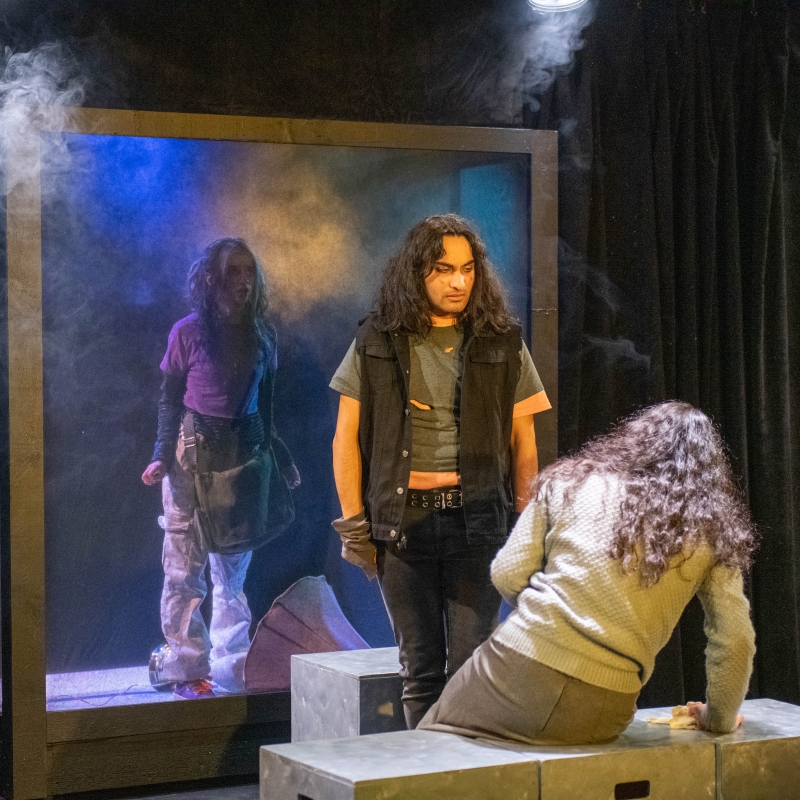

Don’t put the full-colour logo or acronym over busy photography or pattern.

Don’t change the colour of the logo or acronym.

Don’t rotate the logo or acronym.

Don’t apply a drop shadow or any other effects to the logo or acronym.
Proudly sponsored by

Don’t place text too close to the logo or acronym. Protect the integrity of the logo by adhering to clear space guidelines.
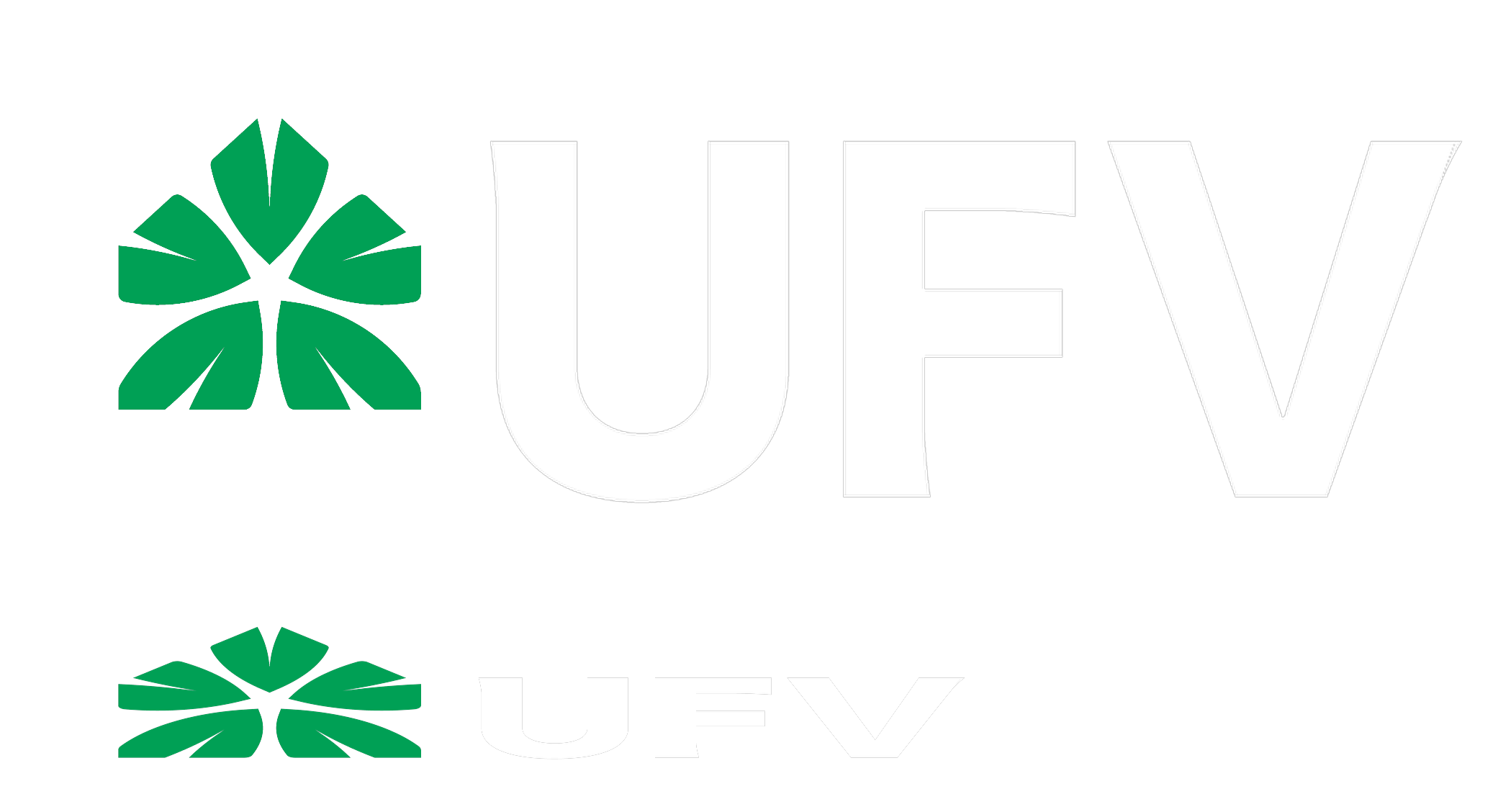
Don’t alter the proportion of elements within the logo or acronym.
Sometimes, a faculty, department, centre, institute, service, or lab needs its name to appear alongside the UFV brand.
Our branded lockup system provides flexible ways to do this while maintaining a consistent UFV identity across different applications and name lengths.
Choose the lockup based on who needs recognition: your area, the University, or multiple UFV areas working together.
See the full UFV Brand Guidelines [PDF 10mb] for more guidance around branded lockups.
Lockups are built on a case-by-case basis and my be requested through the Marketing and Brand Experience intake survey. Approved lockups will be provided in the appropriate colourways and file formats for the intended application.

Full-name logo lockup. Use this solution when the university name needs greater recognition.

Name-forward acronym lockup.Use this solution when your area needs recognition.
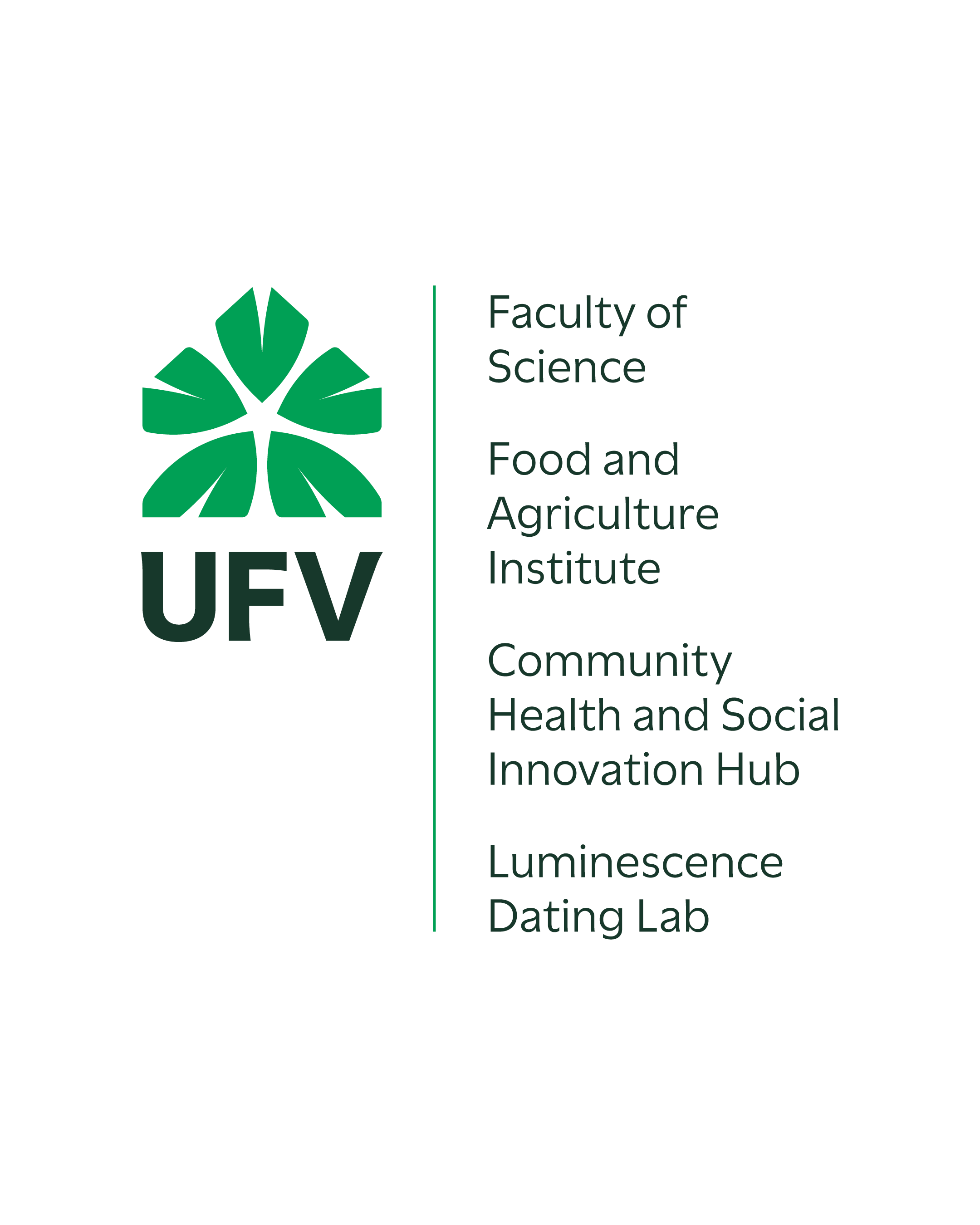
Collaborative lockups. Use this solution when multiple UFV areas need recognition together. A horizontal solution is also available.

Environmental signage: Use a full-name logo lockup to create a strong first impression while clearly identifying the area within the UFV brand. The larger scale also ensures the area name remains prominent and legible..
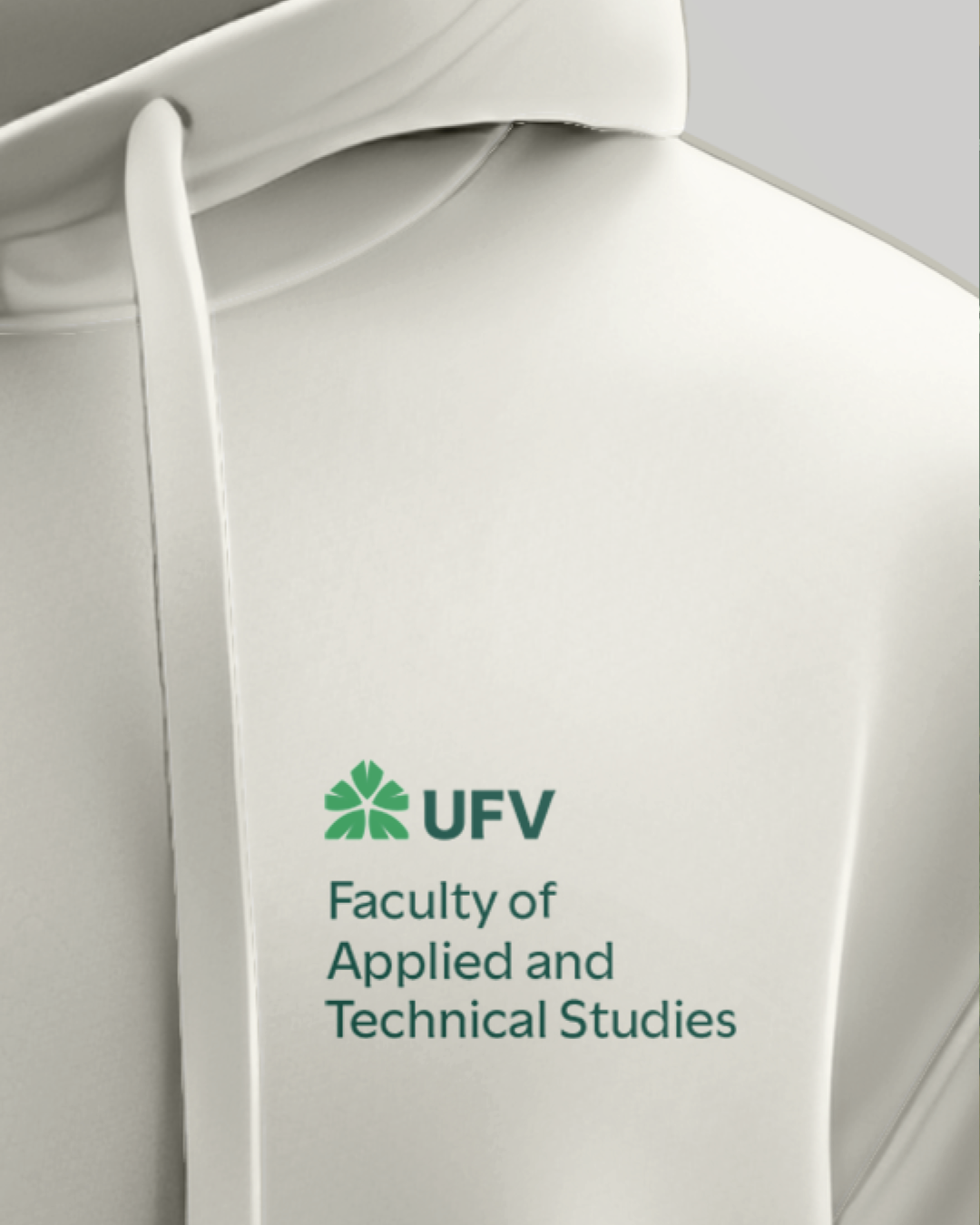
Branded apparel: A name-forward lockup gives the area name greater prominence, making it easy to recognize while supporting minimum type size requirements for embroidery and other production methods.
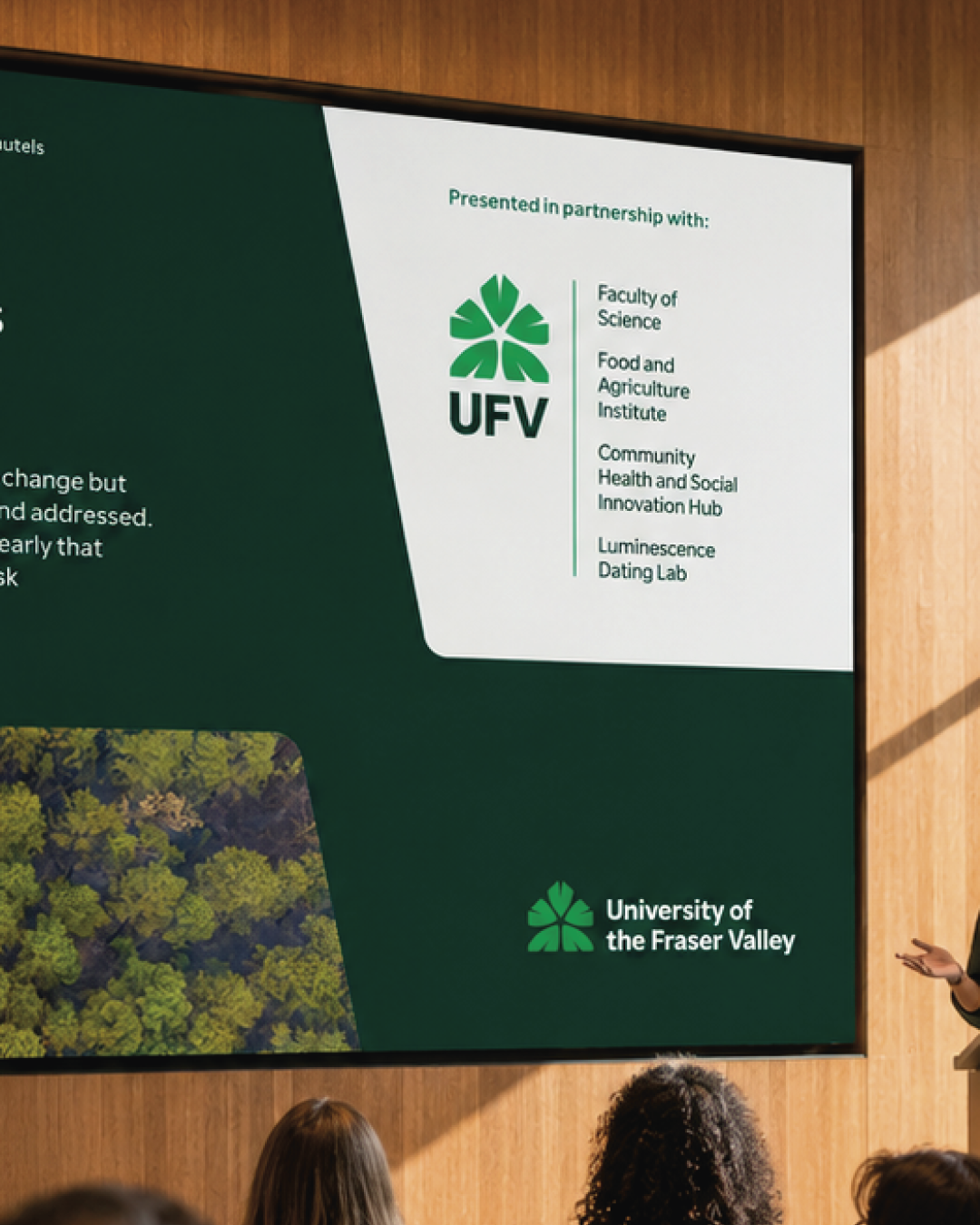
Partnered initiatives: Use an collaborative lockup to recognize multiple UFV areas together. It can sit alongside the full-name logo without unnecessary repetition or visual competition.
A full set of logos , along with instructions regarding file formats and colour spaces, is available for download in our UFV Brand Toolkit.
Please log in with your UFV email and password. You'll be taken to a UFV SharePoint space where you can browse and download the logo(s) that meet your needs.
Find more information, including the story behind UFV's logo, branded lockups, and details about clear space and minimum space, in the UFV Brand Guidelines PDF.