Follow the steps below to confirm your program of study at UFV or the number of credits you've completed.

Academic Advising Centre
Academic Advising Centre
Follow the steps below to confirm your program of study at UFV or the number of credits you've completed.
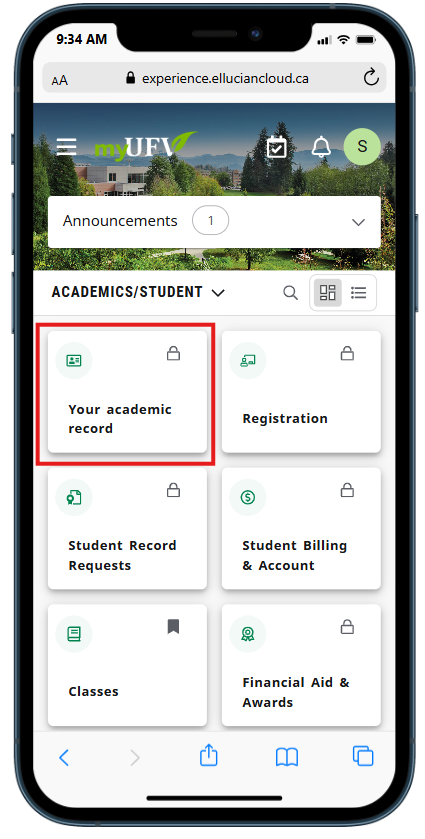
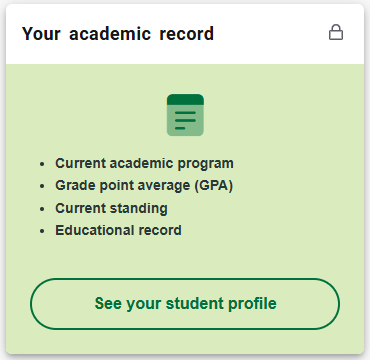
Look for the card marked Your academic record.
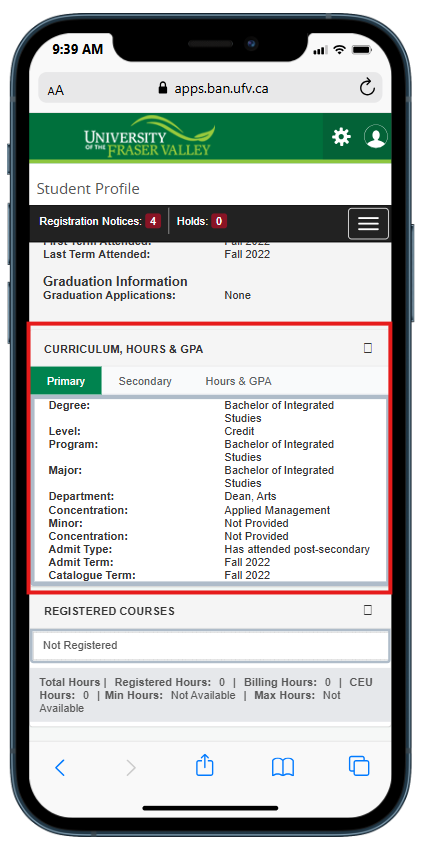
On a mobile device, scroll down to the Curriculum, Hours & GPA section. You will see your program of study information, including the degree, program, major, and minor you're enrolled in (if applicable.)
On a desktop or laptop device, you'll find this info at the top right of your screen.
If you need to change your major, book an appointment with an advisor. To change your program, you are required to reapply.
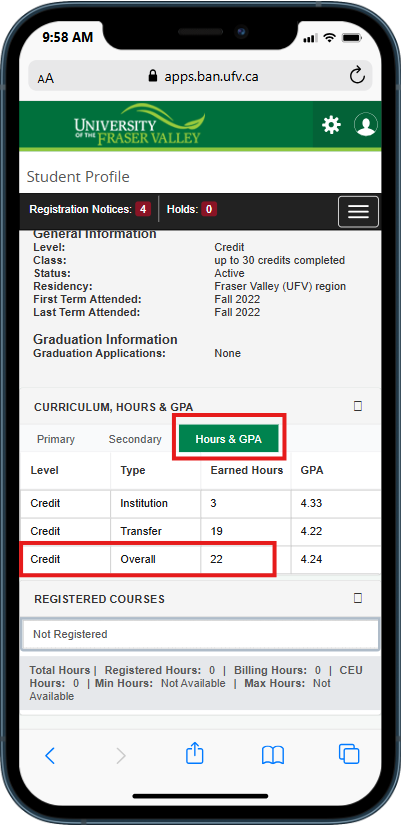
To check the number of credits that you have achieved, click or tap the 'Hours & GPA' tab: