
Note that UFV no longer produces a manual, web‑based timetable. The schedule of classes is now available exclusively in Browse Classes, which is the single, official source for all schedule information.
To see the schedule of classes for academic courses in the current and upcoming semester(s), click the Browse classes link.
When the schedule of classes is released:
-
The Fall schedule is released in mid-May.
-
The Winter schedule is released in late October.
-
The Summer schedule is released in late February.
Important notes
- No classes will be held on these Fall 2026 dates: September 30, October 12, November 11-15.
- No classes will be held on these Winter 2027 dates: February 14-21, March 26-29.
- Changes may happen as we finalize class schedules. For a list of changes, see:
Changes to the Fall 2026 schedule of classes
Changes to the Winter 2027 schedule of classes
Schedule tips and how-tos
The Browse classes link will take you to the class schedule search tool.
You can also reach the schedule of classes by clicking 'Browse Classes' from the Registration Dashboard in myUFV:
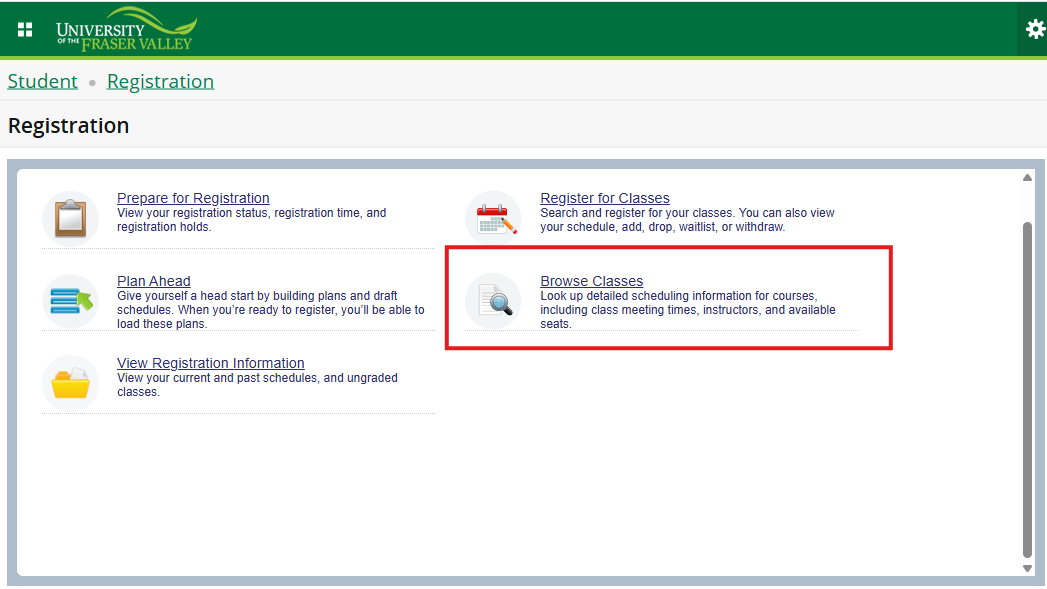
Class search screen
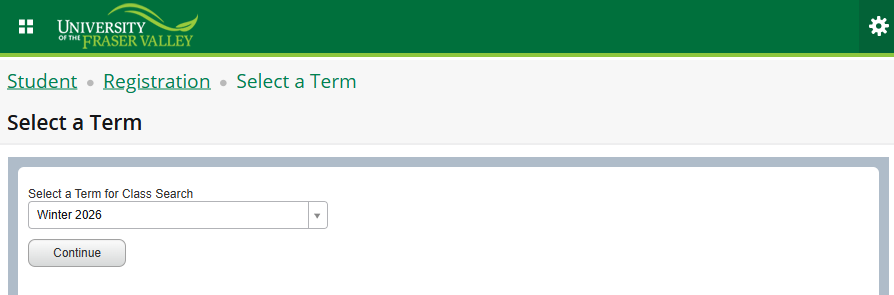
After you choose the semester and click 'continue,' you can:
- Plan out courses that work with your schedule. (Click 'advanced search' for additional filter options.)
- Filter by Subject, Course Number, Campus, Instructional Method and more.
- Review course descriptions and pre/co-requisite information.
- Look up open sections (classes with seats available).
How to use the schedule of classes - full guide